Copilot in Excel
new
Learn how to work smarter in Excel with Copilot—Microsoft’s AI-powered assistant. In this course, you’ll discover how to analyze data, generate formulas, and build insights using simple natural-language prompts.
 Start for free
What you get:
- 2 hours of content
- 26 Downloadable resources
- World-class instructor
- Closed captions
- Q&A support
- Future course updates
- Course exam
- Certificate of achievement
Copilot in Excel
new
Start for free
What you get:
- 2 hours of content
- 26 Downloadable resources
- World-class instructor
- Closed captions
- Q&A support
- Future course updates
- Course exam
- Certificate of achievement
Start for free
What you get:
- 2 hours of content
- 26 Downloadable resources
- World-class instructor
- Closed captions
- Q&A support
- Future course updates
- Course exam
- Certificate of achievement

What you learn
- Use Copilot to automate formulas and accelerate your Excel workflow.
- Write complex data, text, and IF logic using simple natural-language prompts.
- Analyze and visualize data quickly with Copilot-generated summaries and charts.
- Run Python code inside Excel to perform deeper, more advanced analysis.
- Build machine learning models in Excel.
Top Choice of Leading Companies Worldwide
Industry leaders and professionals globally rely on this top-rated course to enhance their skills.
Course Description
Do you want to work smarter, faster, and better in Excel—without memorizing hundreds of formulas?
Are you ready to bring AI inside the world’s most widely used analytical tool and transform the way you work?
If so, you’re in the right place.
With Microsoft Copilot, Excel has entered a new era—where simple, plain-English prompts can clean your data, write formulas, build dashboards, and even run Python-powered machine learning models.
Copilot isn’t just an assistant—it’s an AI layer built directly into Excel, designed to understand your data, your structure, and the task at hand. It detects patterns, anticipates your next steps, and automates work that once took minutes or even hours.
Whether you’re restructuring messy data, analyzing trends, creating a financial report, or exploring “what-if” scenarios, Copilot guides you step by step. And because it works directly inside your workbook—not in a separate interface—your results stay actionable, editable, and fully integrated into your file.
In this course, you’ll learn how to use Copilot as a true partner in analysis—accelerating your work while staying entirely in control of the logic, accuracy, and insight.
What You Achieve in This Course
By the end of this training, you’ll be able to:
- Turn natural-language instructions into accurate Excel formulas
- Clean, transform, and structure messy datasets in seconds
- Highlight insights automatically using smart conditional formatting
- Summarize and visualize data without navigating chart menus
- Use Copilot as an analytical partner to explore and interpret information
- Unlock Python in Excel to run advanced analytics and machine learning
- Build real financial workflows, including P&L statements or portfolio optimization
- Combine your judgment with AI automation to operate at an entirely new level
Excel is no longer just a spreadsheet—it’s an intelligent analytical platform, and Copilot is the engine that powers it.
Why This Course Matters
Every company uses Excel.
Every analyst depends on it.
And now, every professional is expected to use AI tools within Excel.
Copilot dramatically shrinks the gap between beginners and experts. It handles the tedious work—formulas, transformations, data prep—so you can focus on what truly matters: insights, decisions, and strategy.
Learning it now puts you ahead of the curve—before Copilot skills become a standard job requirement.
What We Cover
We’ll begin with the fundamentals:
- What Copilot is
- How it differs from tools like ChatGPT
- How to use it inside Excel
- What it can do—and where it still needs your oversight
Then we progressively level up:
- Writing formulas using natural-language prompts
- Sorting, filtering, and highlighting with AI assistance
- Summarizing and visualizing data with ease
- Running advanced analytics and machine learning with Python in Excel
- Applying Copilot to real business scenarios: P&L analysis, clustering, regression, and optimization
By the end, Copilot won’t feel like a tool—it’ll feel like a teammate working alongside you.
Who This Course Is For
This course is ideal for:
- Finance and accounting professionals
- Data analysts and business intelligence teams
- Students preparing for analytics or finance roles
- Anyone who uses Excel daily and wants to automate their work
- Anyone who is curious about Excel + AI and wants to learn a powerful new skill
If you wish to increase your productivity, strengthen your analytical skills, and prepare for the future, this course gives you the tools to do it.
Enroll now and step into Excel’s new era of speed, intelligence, and automation.
Learn for Free
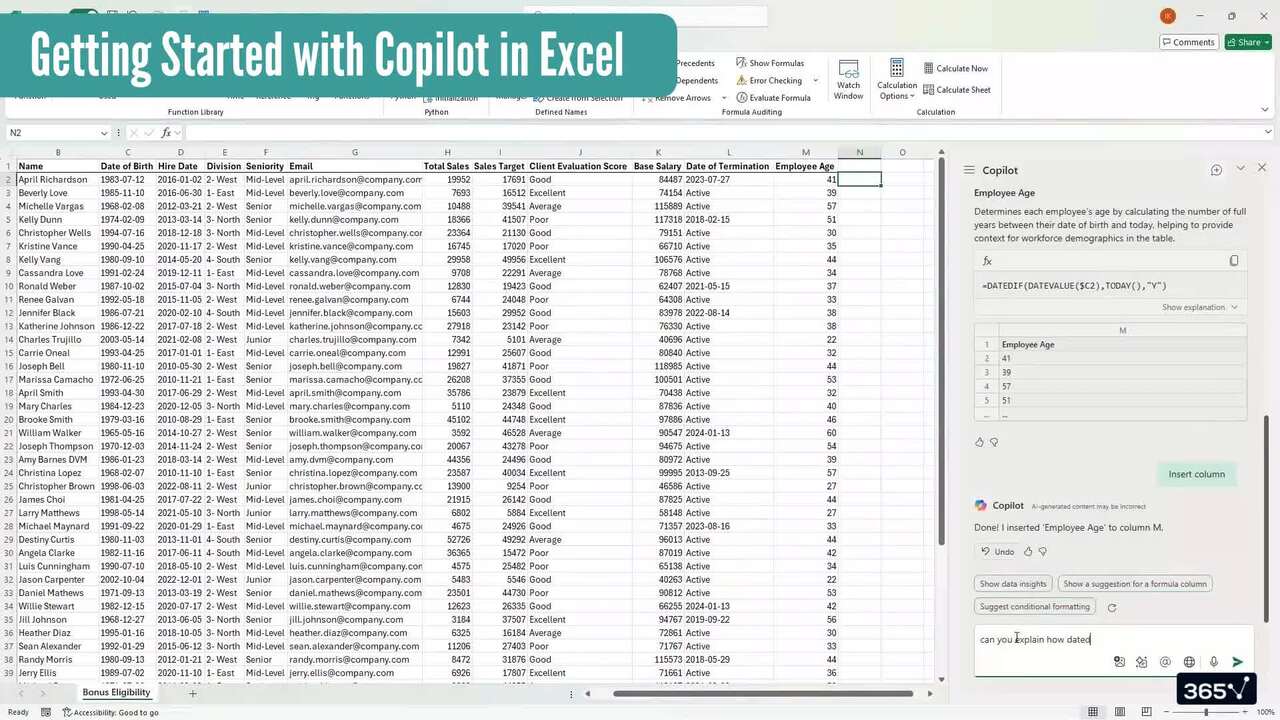
1.1 What does the course cover
3 min
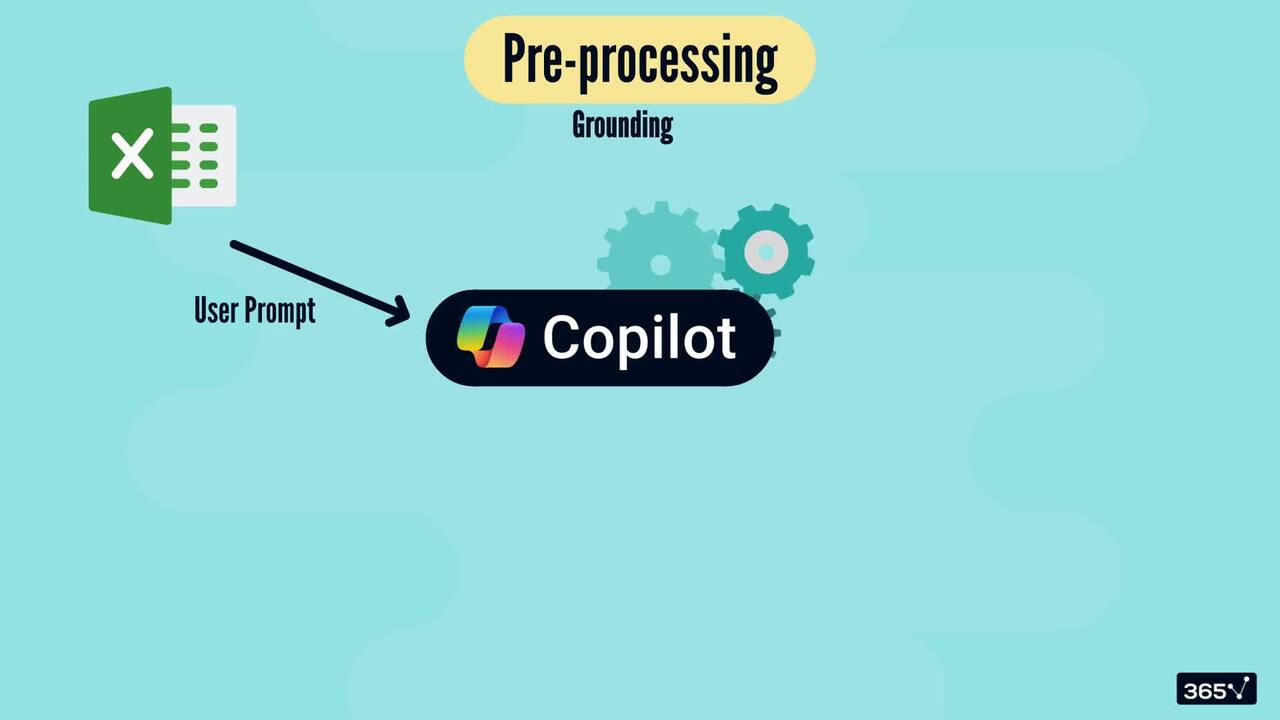
1.3 What is Copilot in Excel
5 min
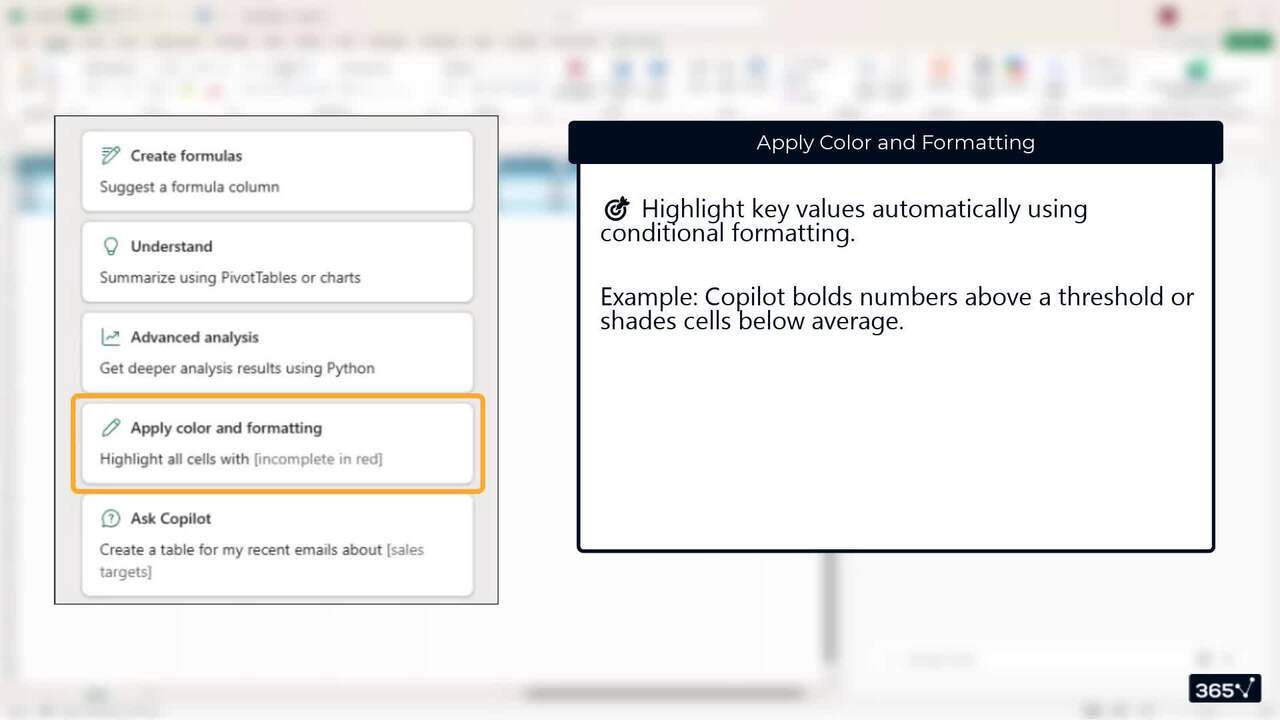
1.6 Basic Features and Limitations
5 min
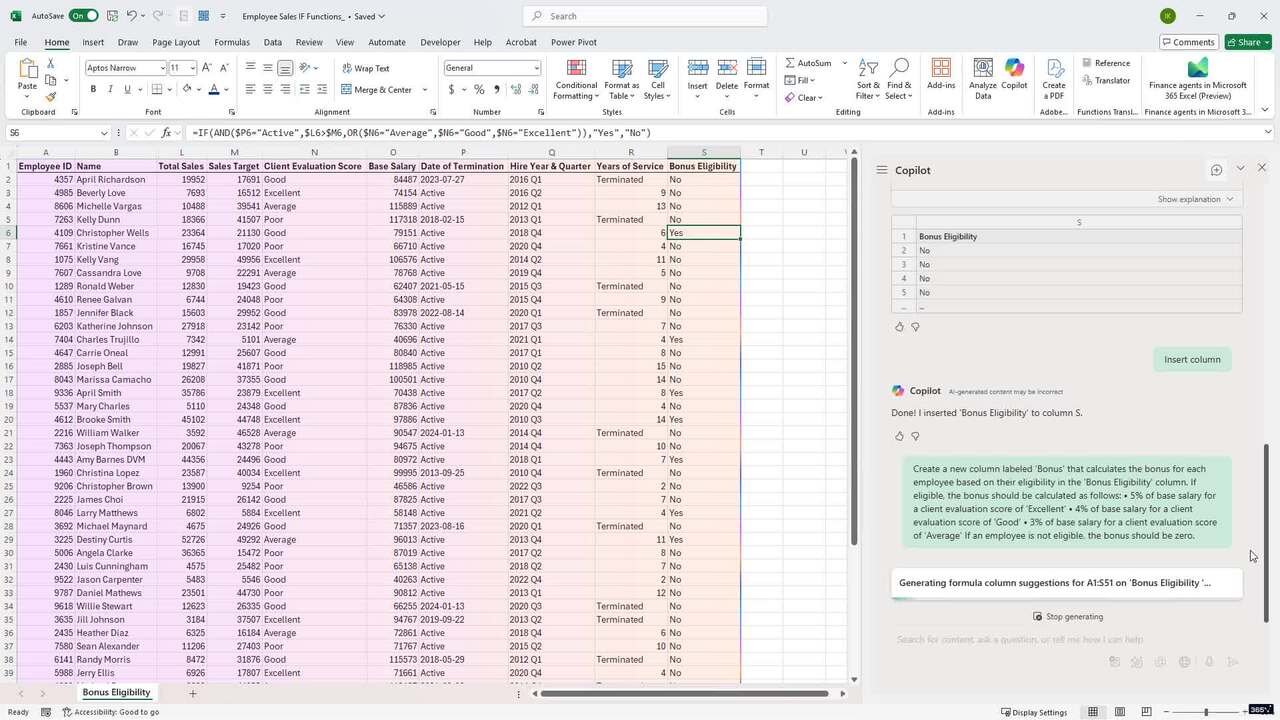
2.4 IF Statements
7 min
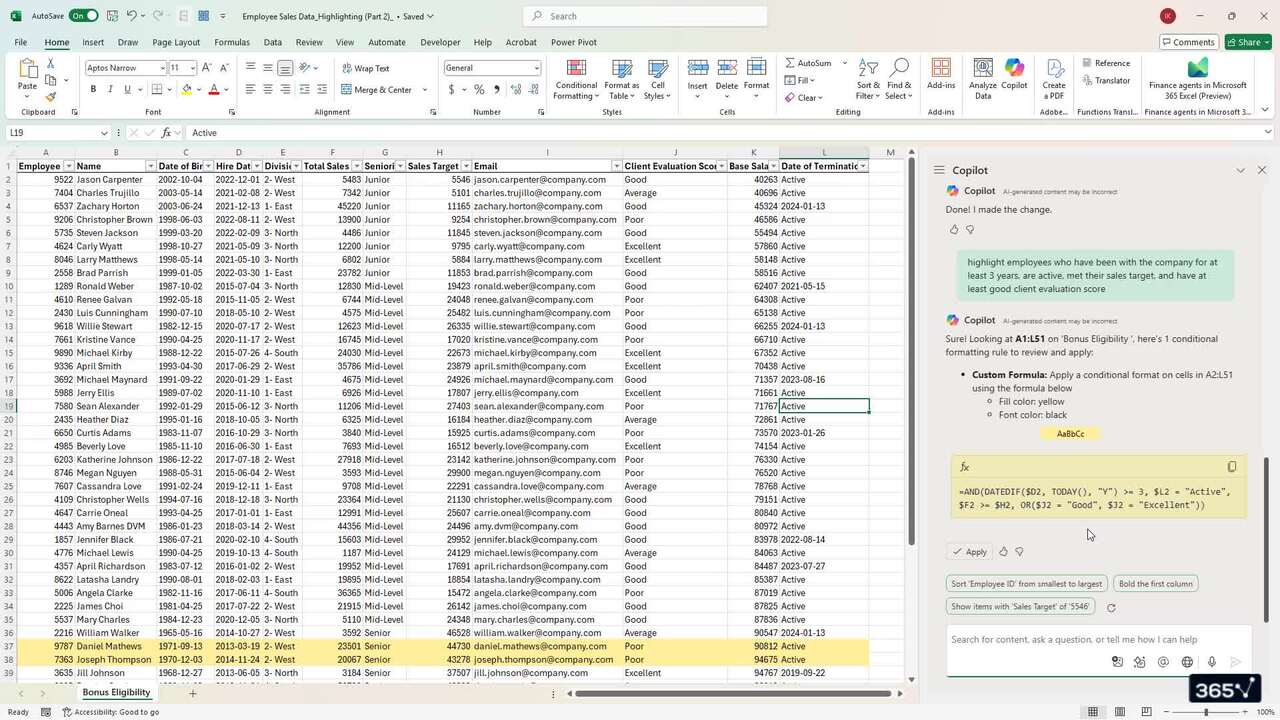
3.3 Formula-based Conditional Formatting
4 min
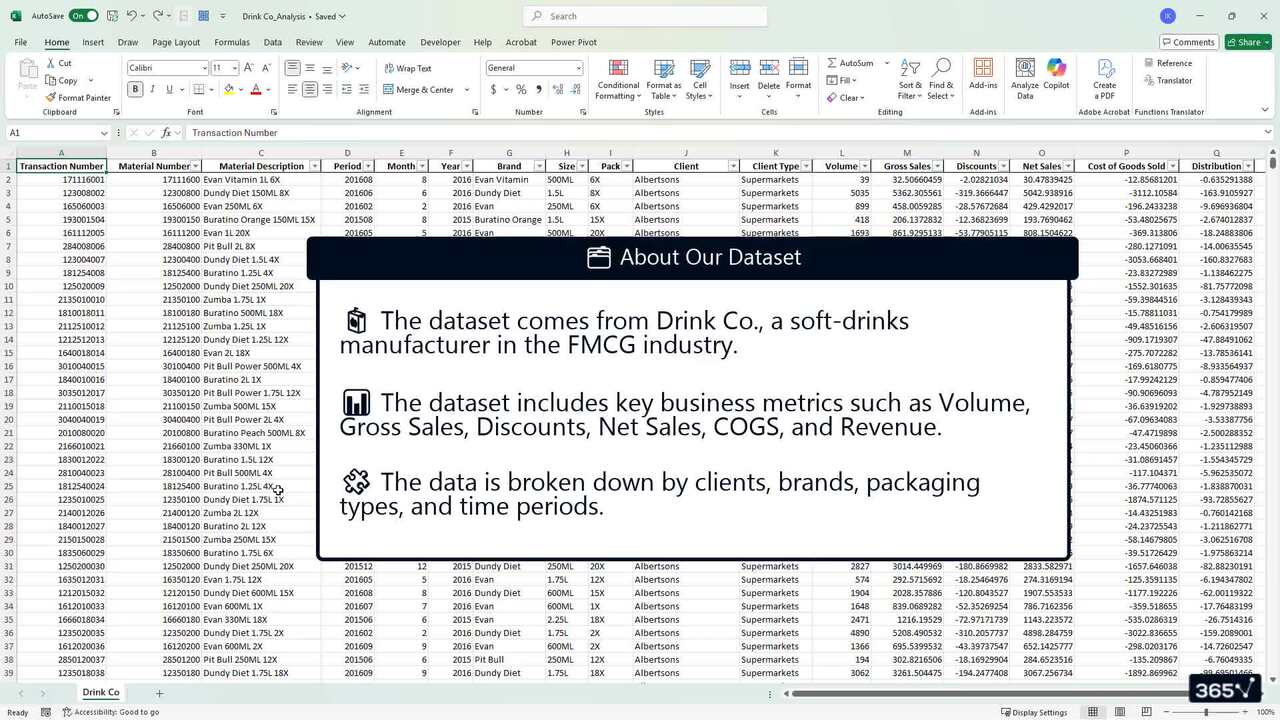
4.1 Introduction
3 min
Curriculum
- 2. Working with Formula Columns5 Lessons 27 Min
This section focuses on Copilot’s most useful everyday skills: generating formulas for you. You see how it handles date functions, text manipulation, conditional statements, and multi-step logic—all through simple natural-language prompts. We’ll also cover when Copilot is the right tool for the task and when it’s better to step in manually. By the end, you build clean, automated formula columns with confidence.
Formula Columns2 minDate Functions7 minText Functions7 minIF Statements7 minSummary4 min - 3. Sorting, Filtering, and Highlighting Data6 Lessons 21 Min
In this section, we focus on Copilot’s editing abilities. You learn how Copilot supports everyday tasks like sorting and filtering, and where manual Excel is still faster. We’ll explore highlighting rules, color scales, data bars, and advanced formula-based conditional formatting. By the end, you have a realistic sense of when Copilot speeds you up—and when it slows you down.
Sorting and Filtering3 minHighlighting5 minFormula-based Conditional Formatting4 minData Bars and Color Schemes3 minOther Capabilities (Hiding and Formatting)4 minSummary2 min - 4. Exploring & Understanding Your Data6 Lessons 28 Min
In this section, Copilot acts as your analytical partner. You perform data profiling, explore trends, spot outliers, summarize large datasets, and answer business questions in natural language. You also learn how Copilot generates charts and visualizations to support your analysis. By the end, you turn raw data into insights with far less manual work.
Introduction3 minPreliminary Data Exploration5 minSummarizing Data (Part 1)5 minSummarizing Data (Part 2)7 minData Visualization5 minSummary3 min
Topics
Course Requirements
- None
Who Should Take This Course?
Level of difficulty: Beginner
- Excel users who want to work faster and smarter with AI-powered automation
- Finance, accounting, and data professionals who rely on Excel for analysis and reporting
- Students and career-switchers who wish to build modern, in-demand analytical skills
- Anyone curious about Copilot and ready to integrate AI into their everyday workflow
Exams and Certification
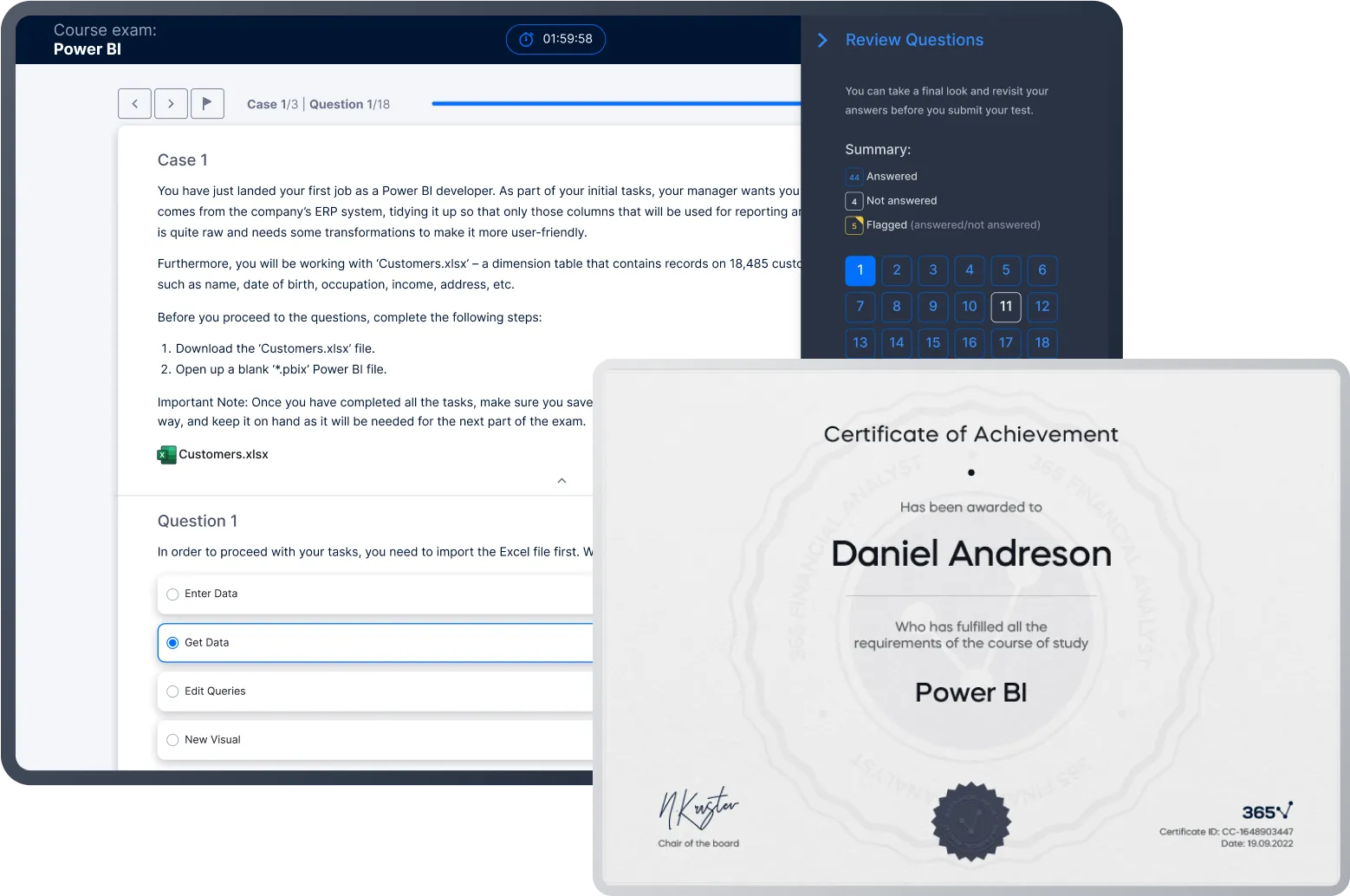
A 365 Financial Analyst Course Certificate is an excellent addition to your LinkedIn profile—demonstrating your expertise and willingness to go the extra mile to accomplish your goals.
Meet Your Instructor


Ivan Kitov is the COO of 365 Data Science and a CFA charterholder with over 12 years in finance. He holds a Master's in Financial Economics from Erasmus University Rotterdam and combines expertise in corporate finance, investments, and strategy with a passion for AI and machine learning. Since 2019, he has created courses that have helped thousands of students worldwide gain practical finance and data skills, with the goal of making 365 Data Science the top global platform for aspiring professionals.
What Our Learners Say



365 Financial Analyst Is Featured at
Our top-rated courses are trusted by business worldwide.